Use Repair Assistant to Finish an iPhone or iPad Repair
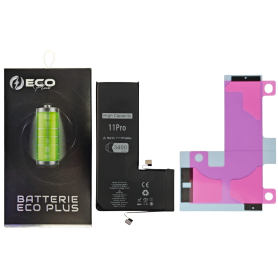
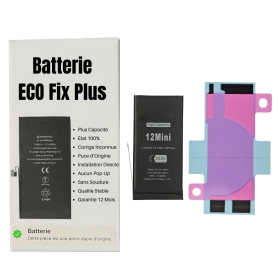
This Battery Without Logo
On an iPhone 12 or later running iOS 18, when a new Apple battery is installed, “Finish Repair” will appear next to Battery until you complete the repair using the Repair Assistant.
On an iPhone 12 or later running iOS 18, it is possible to reuse an original Apple battery on another iPhone of the same model. The date of first use, capacity, and cycle count of your battery can be found in Settings > Battery > Battery Health.
How to Run Diagnostics & Finish Repair for iPhone Battery 1. Ensure your device is updated to iOS 18 2. Go to Settings > General > About > Parts & Service History 3. Tap "Restart & Finish Repair" to activate the Repair Assistant 4. Follow the on-screen instructions to complete the calibration After completing this process, your battery will display 100% health, and there will be no pop-up warning about non-genuine parts.
Important Notes:
Your iPhone must be connected to Wi-Fi Your battery level should be above 20% If the process fails, restart your device and try again If the repair is not completed, the battery may not function optimally, and some features (Face ID, Touch ID) may be disabled until calibration is finalized
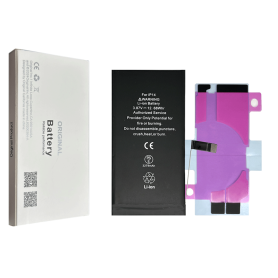
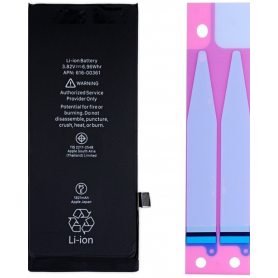
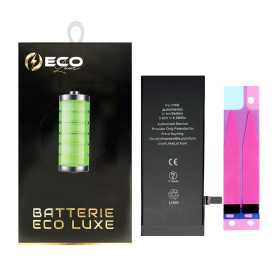
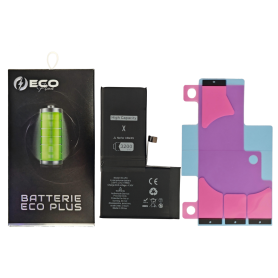
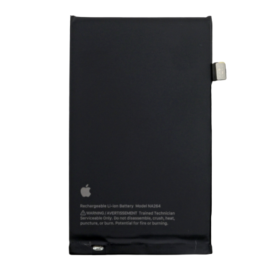
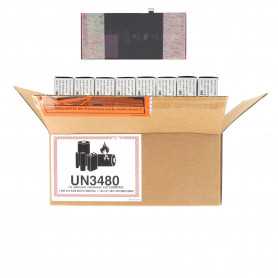
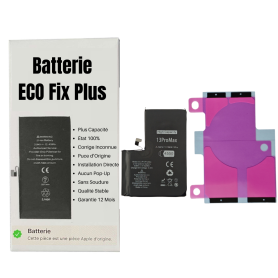
Inclus : La batterie Lithium Type : OrigineCapacité : 3.8V - 2658mAh État : NeufModèle de la batterie : APN 616-00512Modèle : Apple iPhone XS Après avoir remplacé la batterie avec la batterie d'origine que nous vendons, La santé de la batterie de votre iPhone sera de nouveau à 100%, Il n'aura plus les problèmes de consommation d'énergie rapide et de la surchauffe sévère.
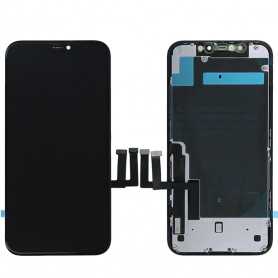
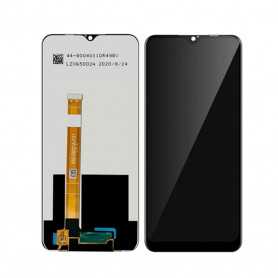
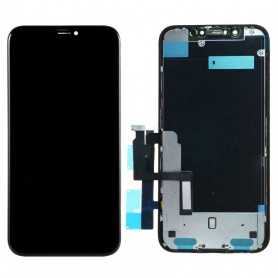
Pixel resolution FHD1080p Comme l`original HD 720p Comme l`original
Consommation d`énergie Économie d`énergie de 10 % par rapport à la qualité TFT Consommation d`énergie normale Économie d`énergie de 20 % par rapport à la qualité TFT.
Temps de réponse Réponse rapide Réponse normale Réponse comme l`original
Qualité d`image Haute qualité d`image avec des couleurs vives. Affichage normal Couleurs plus vives, noirs parfaits.
Coût Excellente qualité et coût. Meilleur coût Coût de production en baisse constante.
Commentaires après-vente Taux de SAV 0.1 % Taux de SAV 0.3 % Taux de SAV 0.2 %
Épaisseur du téléphone avec écran (7.65 mm d`origine) 7.75 mm 7.80 mm 7.65 mm
Use Repair Assistant to Finish an iPhone or iPad Repair
This Battery Without Logo
On an iPhone 12 or later running iOS 18, when a new Apple battery is installed,“Finish Repair” will appear next to Battery until you complete the repair using the Repair Assistant.
On an iPhone 12 or later running iOS 18, it is possible to reuse an original Apple battery on another iPhone of the same model. The date of first use, capacity, and cycle count of your battery can be found in Settings > Battery > Battery Health.
How to Run Diagnostics & Finish Repair for iPhone Battery 1. Ensure your device is updated to iOS 18 2. Go to Settings > General > About > Parts & Service History 3. Tap "Restart & Finish Repair" to activate the Repair Assistant 4. Follow the on-screen instructions to complete the calibration After completing this process, your battery will display 100% health, and there will be no pop-up warning about non-genuine parts.
Important Notes:
Your iPhone must be connected to Wi-Fi Your battery level should be above 20% If the process fails, restart your device and try again If the repair is not completed, the battery may not function optimally, and some features (Face ID, Touch ID) may be disabled until calibration is finalized
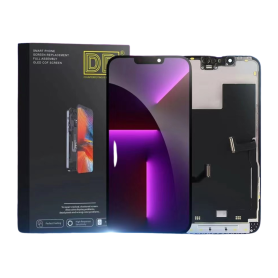
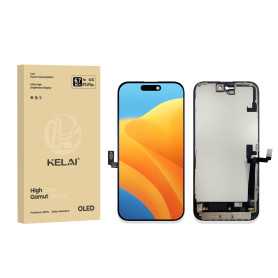
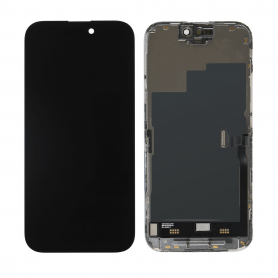
Key Features of the Screen iPhone 16 Plus (Hard OLED) KELAI:
Hard OLED Technology: Experience vibrant colors and deep contrasts with the Hard OLED display, which offers superior visual clarity compared to traditional LCD screens.
Support IC Change: Enjoy seamless compatibility with IC changes, ensuring that the screen functions optimally with your device's hardware.
Original Size and Thickness: Designed to match the original specifications of the iPhone 16 Plus, this screen guarantees a perfect fit and maintains the device's sleek profile.
High Durability: Built with robust materials that resist scratches and impacts, providing long-lasting protection for your device.
Enhanced Touch Sensitivity: Offers a highly responsive touch experience, ensuring smooth navigation and interaction with your phone.
Energy Efficient: Optimized for energy efficiency, helping to preserve battery life even with its bright and vivid display.
Easy Installation: Designed for straightforward installation, minimizing downtime and allowing you to get back to using your phone quickly.
Quality Assurance: Backed by rigorous quality checks to ensure reliable performance and longevity.
Use Repair Assistant to Finish an iPhone or iPad Repair
This Battery Without Logo
On an iPhone 12 or later running iOS 18, when a new Apple battery is installed,“Finish Repair” will appear next to Battery until you complete the repair using the Repair Assistant.
On an iPhone 12 or later running iOS 18, it is possible to reuse an original Apple battery on another iPhone of the same model. The date of first use, capacity, and cycle count of your battery can be found in Settings > Battery > Battery Health.
How to Run Diagnostics & Finish Repair for iPhone Battery 1. Ensure your device is updated to iOS 18 2. Go to Settings > General > About > Parts & Service History 3. Tap "Restart & Finish Repair" to activate the Repair Assistant 4. Follow the on-screen instructions to complete the calibration After completing this process, your battery will display 100% health, and there will be no pop-up warning about non-genuine parts.
Important Notes:
Your iPhone must be connected to Wi-Fi Your battery level should be above 20% If the process fails, restart your device and try again If the repair is not completed, the battery may not function optimally, and some features (Face ID, Touch ID) may be disabled until calibration is finalized