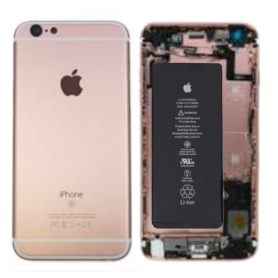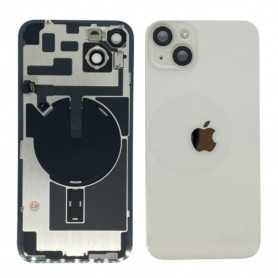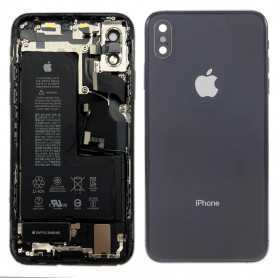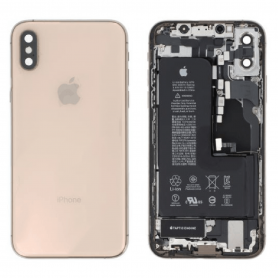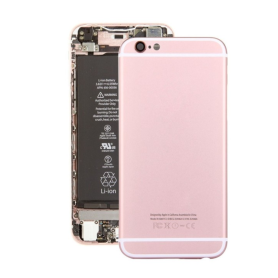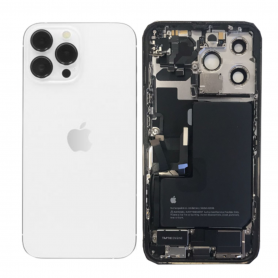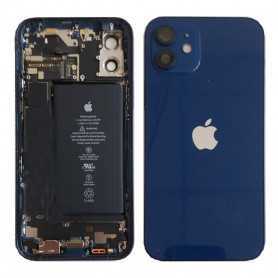

Pièces détachées pour iPhone : iPhone 4 4S iPhone 5 5S 5C iPhone 6 6S
iPhone

Tous types de pièces détachées pour iPhone. Tels que les écrans et les batteries pour votre smartphone. On propose également la vente d'outils afin de réparer vous-même votre terminal Apple.

Out-of-Stock
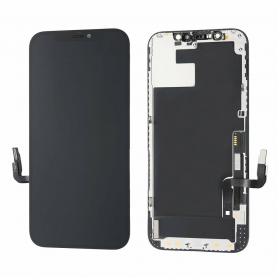
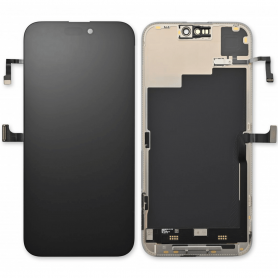
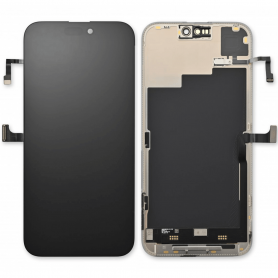
Screen iPhone 14 Pro with Proximity Sensor Flex (Original Refurbished) - Supports Configuration
Out-of-Stock

Use Repair Assistant to Finish an iPhone or iPad Repair

On an iPhone 12 or later running iOS 18, when a new Apple screen is installed, “Finish Repair” will appear next to Screen until you complete the repair using the Repair Assistant.


On an iPhone 12 or later running iOS 18, it is possible to reuse an original Apple screen on another iPhone of the same model.
The date of first use and the condition of the screen can be found in Settings > General > About > Parts & Service History.


How to Run Diagnostics & Finish Repair for iPhone Screen
1. Ensure your device is updated to iOS 18
2. Go to Settings > General > About > Parts & Service History
3. Tap "Restart & Finish Repair" to activate the Repair Assistant
4. Follow the on-screen instructions to complete the calibration
After completing this process, your screen will be fully functional, and there will be no pop-up warning about non-genuine parts.


Important Notes:

Your iPhone must be connected to Wi-Fi
Your battery level should be above 20%
If the process fails, restart your device and try again
If the repair is not completed, the screen may not function optimally, and some features (True Tone, Face ID) may be disabled until calibration is finalized


Out-of-Stock
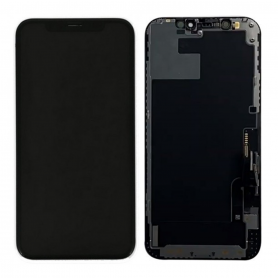
Screen iPhone 14 with Proximity Sensor Flex (Original Refurbished) - Supports Configuration
Out-of-Stock

Use Repair Assistant to Finish an iPhone or iPad Repair

On an iPhone 12 or later running iOS 18, when a new Apple screen is installed, “Finish Repair” will appear next to Screen until you complete the repair using the Repair Assistant.


On an iPhone 12 or later running iOS 18, it is possible to reuse an original Apple screen on another iPhone of the same model.
The date of first use and the condition of the screen can be found in Settings > General > About > Parts & Service History.


How to Run Diagnostics & Finish Repair for iPhone Screen
1. Ensure your device is updated to iOS 18
2. Go to Settings > General > About > Parts & Service History
3. Tap "Restart & Finish Repair" to activate the Repair Assistant
4. Follow the on-screen instructions to complete the calibration
After completing this process, your screen will be fully functional, and there will be no pop-up warning about non-genuine parts.


Important Notes:

Your iPhone must be connected to Wi-Fi
Your battery level should be above 20%
If the process fails, restart your device and try again
If the repair is not completed, the screen may not function optimally, and some features (True Tone, Face ID) may be disabled until calibration is finalized


Out-of-Stock
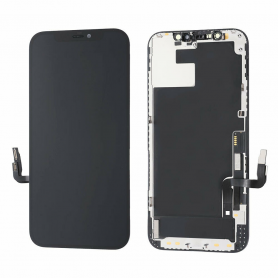
Screen iPhone 13 Pro with Proximity Sensor Flex (Original Refurbished) - Supports Configuration
Out-of-Stock

Use Repair Assistant to Finish an iPhone or iPad Repair

On an iPhone 12 or later running iOS 18, when a new Apple screen is installed, “Finish Repair” will appear next to Screen until you complete the repair using the Repair Assistant.


On an iPhone 12 or later running iOS 18, it is possible to reuse an original Apple screen on another iPhone of the same model.
The date of first use and the condition of the screen can be found in Settings > General > About > Parts & Service History.


How to Run Diagnostics & Finish Repair for iPhone Screen
1. Ensure your device is updated to iOS 18
2. Go to Settings > General > About > Parts & Service History
3. Tap "Restart & Finish Repair" to activate the Repair Assistant
4. Follow the on-screen instructions to complete the calibration
After completing this process, your screen will be fully functional, and there will be no pop-up warning about non-genuine parts.


Important Notes:

Your iPhone must be connected to Wi-Fi
Your battery level should be above 20%
If the process fails, restart your device and try again
If the repair is not completed, the screen may not function optimally, and some features (True Tone, Face ID) may be disabled until calibration is finalized


Out-of-Stock
Screen iPhone 14 Pro Max (LTPS) JCID - Incell FHD1080p - Diagnosable - No Pop-up
Out-of-Stock

Use Repair Assistant to Finish an iPhone or iPad Repair

On an iPhone 12 or later running iOS 18, when a new Apple screen is installed, “Finish Repair” will appear next to Screen until you complete the repair using the Repair Assistant.


On an iPhone 12 or later running iOS 18, it is possible to reuse an original Apple screen on another iPhone of the same model.
The date of first use and the condition of the screen can be found in Settings > General > About > Parts & Service History.


How to Run Diagnostics & Finish Repair for iPhone Screen
1. Ensure your device is updated to iOS 18
2. Go to Settings > General > About > Parts & Service History
3. Tap "Restart & Finish Repair" to activate the Repair Assistant
4. Follow the on-screen instructions to complete the calibration
After completing this process, your screen will be fully functional, and there will be no pop-up warning about non-genuine parts.


Important Notes:

Your iPhone must be connected to Wi-Fi
Your battery level should be above 20%
If the process fails, restart your device and try again
If the repair is not completed, the screen may not function optimally, and some features (True Tone, Face ID) may be disabled until calibration is finalized


Out-of-Stock
Screen iPhone 13 Pro (LTPS) JCID - Incell FHD1080p - Diagnosable - No Pop-up
Out-of-Stock

Use Repair Assistant to Finish an iPhone or iPad Repair

On an iPhone 12 or later running iOS 18, when a new Apple screen is installed, “Finish Repair” will appear next to Screen until you complete the repair using the Repair Assistant.


On an iPhone 12 or later running iOS 18, it is possible to reuse an original Apple screen on another iPhone of the same model.
The date of first use and the condition of the screen can be found in Settings > General > About > Parts & Service History.


How to Run Diagnostics & Finish Repair for iPhone Screen
1. Ensure your device is updated to iOS 18
2. Go to Settings > General > About > Parts & Service History
3. Tap "Restart & Finish Repair" to activate the Repair Assistant
4. Follow the on-screen instructions to complete the calibration
After completing this process, your screen will be fully functional, and there will be no pop-up warning about non-genuine parts.


Important Notes:

Your iPhone must be connected to Wi-Fi
Your battery level should be above 20%
If the process fails, restart your device and try again
If the repair is not completed, the screen may not function optimally, and some features (True Tone, Face ID) may be disabled until calibration is finalized


Out-of-Stock
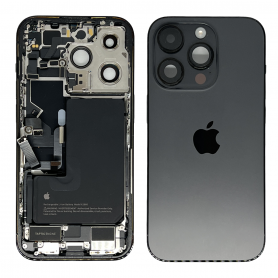
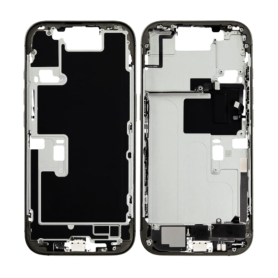
iPhone 16 Pro Max Rear Chassis without Rear Glass without Battery Titanium Black (Original Disassembled) Grade B
Out-of-Stock
Key Features of iPhone 16 Pro Max Rear Chassis without Rear Glass, Battery Titanium Black (Original Disassembled) Grade B:


Authenticity & Quality:

Sourced from original iPhone 16 Pro Max devices, this chassis ensures compatibility and reliability, maintaining the integrity of Apple’s engineering standards.
Classified as Grade B, this product may exhibit minor signs of wear but remains fully functional, offering a balance between cost-efficiency and performance.


Material & Design:

Crafted from premium titanium, renowned for its durability and lightweight properties, providing a robust structural framework for the device.
The elegant Titanium Black finish adds a sleek and sophisticated appearance, perfectly complementing the modern aesthetic of the iPhone 16 Pro Max.


Exclusions:

Please note, the rear chassis does not include the rear glass or battery, allowing for customization and potential cost savings for users who have these components separately or prefer alternative options.


Precision Engineering:

Retains all precision cutouts and fittings required for seamless integration with internal components, ensuring a perfect fit for easy assembly or repair.
Supports the original functionality and alignment of ports, buttons, and cameras, maintaining the device’s performance and usability.


Sustainability:

By utilizing an original disassembled part, this chassis promotes recycling and sustainability, reducing electronic waste and encouraging environmentally conscious consumer habits.


Versatile Application:

Ideal for technicians and DIY enthusiasts looking to repair or refurbish iPhone 16 Pro Max devices, enhancing their durability without compromising the original craftsmanship.


This product is a practical choice for those needing a reliable replacement solution for their iPhone 16 Pro Max, providing both aesthetic appeal and structural integrity.