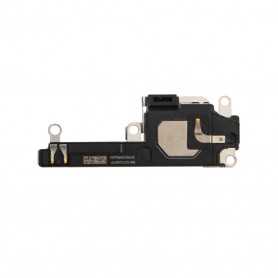
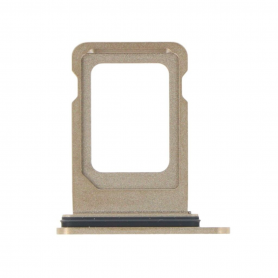
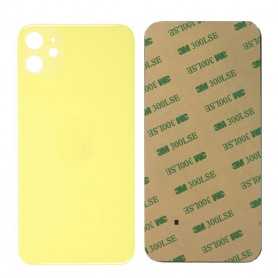
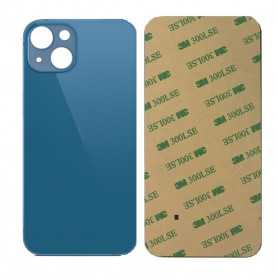
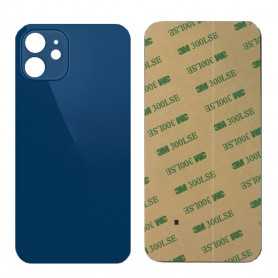
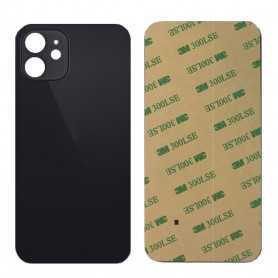
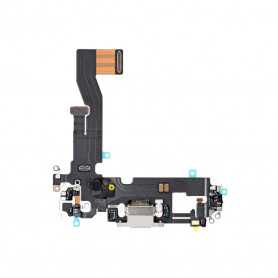
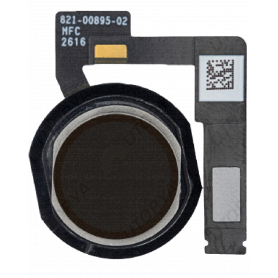
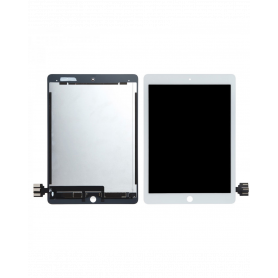
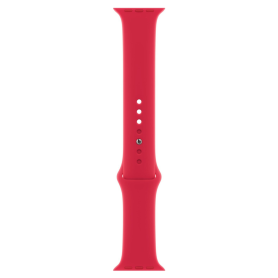
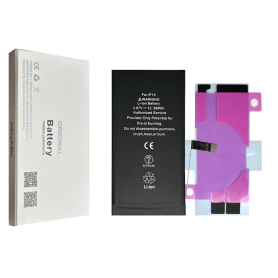
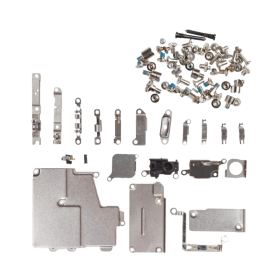
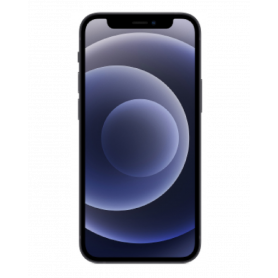
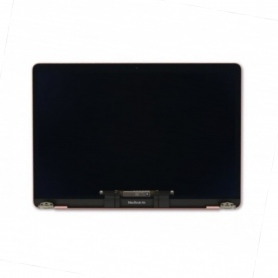
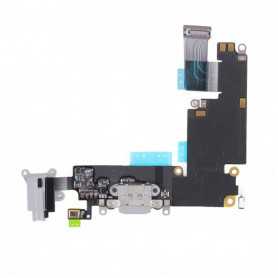
La gamme Apple propose tous types de pièces détachées pour tous les modèles d'iPhone allant de la batterie jusqu'aux écrans complets. Ces pièces disposent d'une qualité exceptionnelle et bénéficient d'une garantie.
A un prix imbattable, profitez de nos promotions en optant pour nos produits de qualité et longue durée.
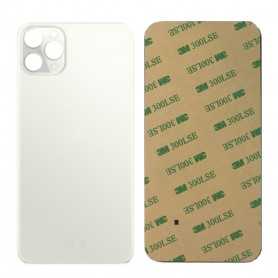
Produit "non original" sans le logo de la marqueVitre arrière iPhone 11 Pro Max Argent Installation facile, montage sans retrait de la caméra Sans logo
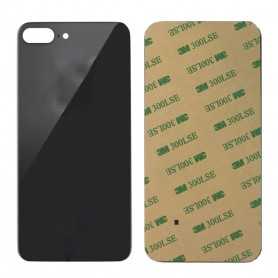
Produit "non original" sans le logo de la marqueVitre arrière iPhone 11 Pro Max Gris sidéral Installation facile, montage sans retrait de la caméra Sans logo
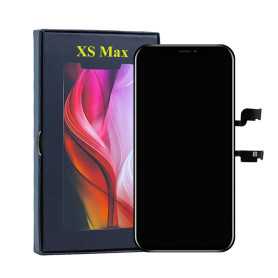
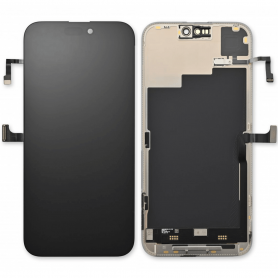
Inclus : écran complet avec, afficheur LCD, châssis, vitre tactileType : OLED État : Neuf Couleur : NoirRésolution : 1242 x 2688 pixels (6.46")Référence constructeur : Modèle : Apple iPhone XS MaxColoris compatibles : Noir / Blanc / Or INFO GARANTIE : Veuillez noter que cet écran est un écran de type X Oled Hard, c’est-à-dire qu’il est dur et moins malléable au montage. Vous devez absolument faire attention à ne pas trop le manipuler de façon brutale ou même de le faire tomber car vous risquez de l’endommager de façon irréversible. Si vous n’êtes pas un expert, nous vous conseillons de vous tourner vers la version X Oled Soft ou X reconditionné. Nous vous rappelons que si l’écran ne s’allume pas, la pièce sera exclue de notre programme de garantie.
Use Repair Assistant to Finish an iPhone or iPad Repair
This Battery Without Logo
On an iPhone 12 or later running iOS 18, when a new Apple battery is installed, “Finish Repair” will appear next to Battery until you complete the repair using the Repair Assistant.
On an iPhone 12 or later running iOS 18, it is possible to reuse an original Apple battery on another iPhone of the same model. The date of first use, capacity, and cycle count of your battery can be found in Settings > Battery > Battery Health.
How to Run Diagnostics & Finish Repair for iPhone Battery 1. Ensure your device is updated to iOS 18 2. Go to Settings > General > About > Parts & Service History 3. Tap "Restart & Finish Repair" to activate the Repair Assistant 4. Follow the on-screen instructions to complete the calibration After completing this process, your battery will display 100% health, and there will be no pop-up warning about non-genuine parts.
Important Notes:
Your iPhone must be connected to Wi-Fi Your battery level should be above 20% If the process fails, restart your device and try again If the repair is not completed, the battery may not function optimally, and some features (Face ID, Touch ID) may be disabled until calibration is finalized